
Add relevant tasks
Water, feed or remove damaged parts: choose suggested tasks that fit your plant.
Water, feed, take a closer look. PlantDoctor keeps your care tasks together and reminds you when they are due.
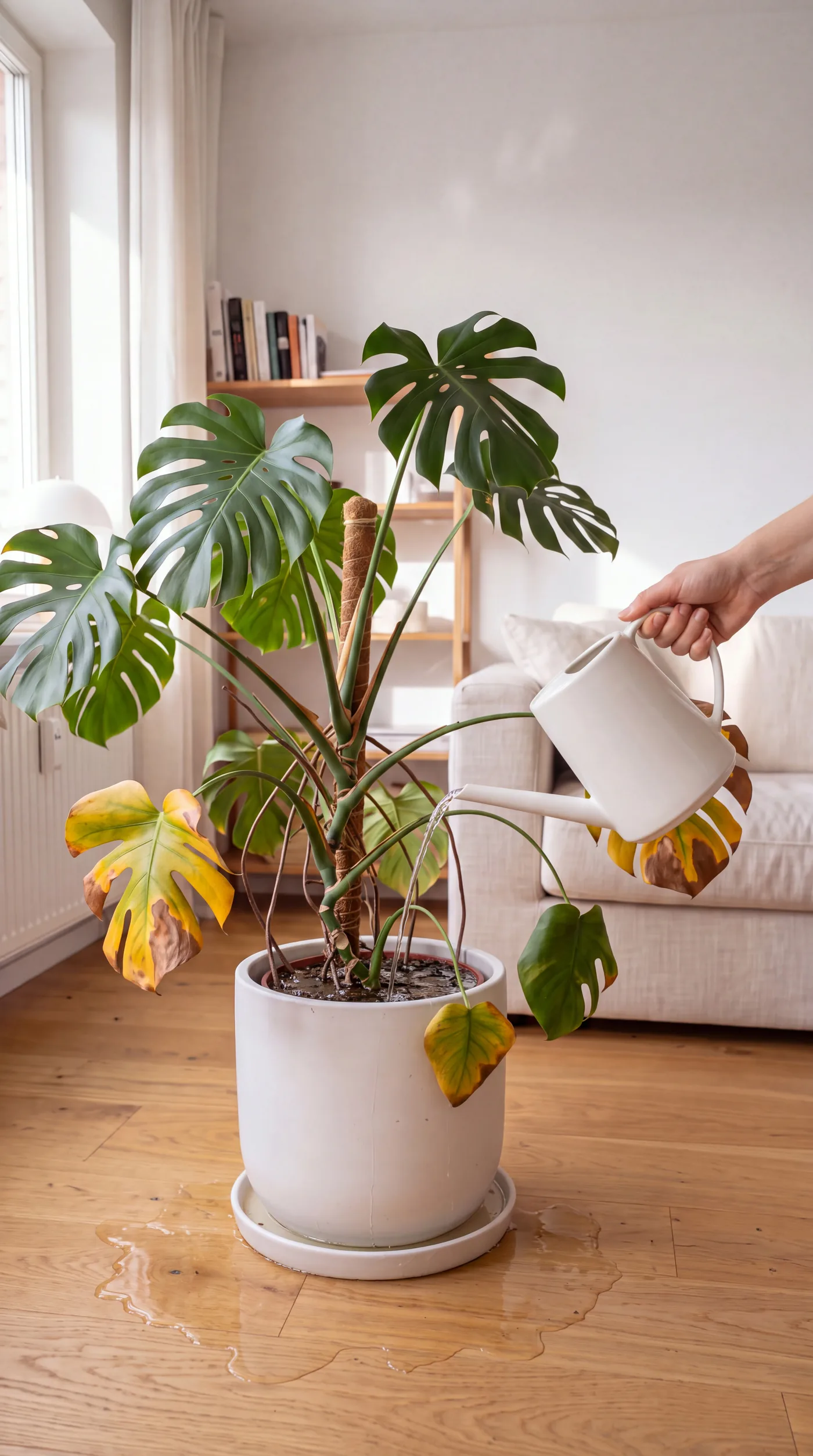
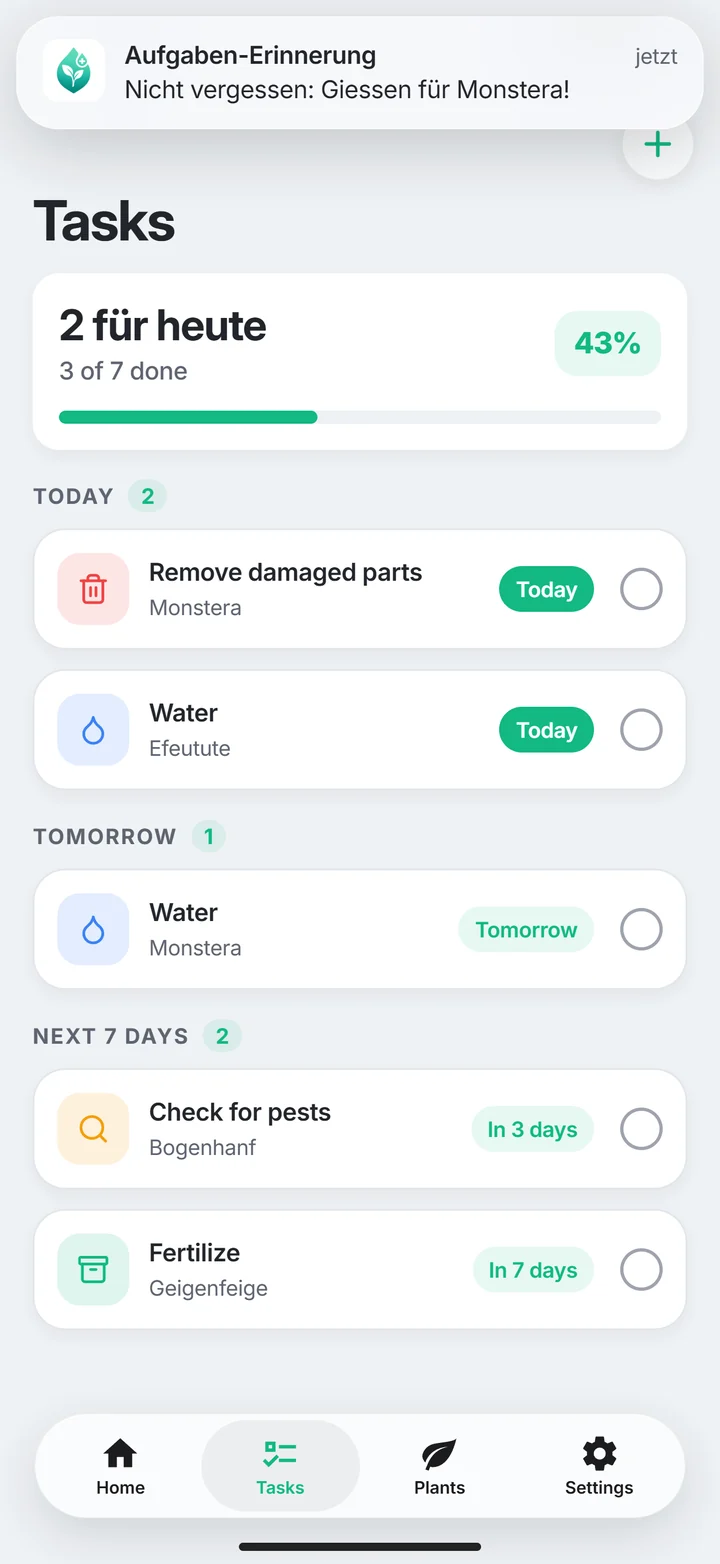
Water, feed or remove damaged parts: choose suggested tasks that fit your plant.
Enable notifications for PlantDoctor on your iPhone so the app can remind you when care is due.
A reminder is a prompt to check. Adapt care to your plant’s condition, location and the season.
Saved plants with their status, recent scans and upcoming tasks: the overview helps you see where your attention is needed.
Start with a diagnosis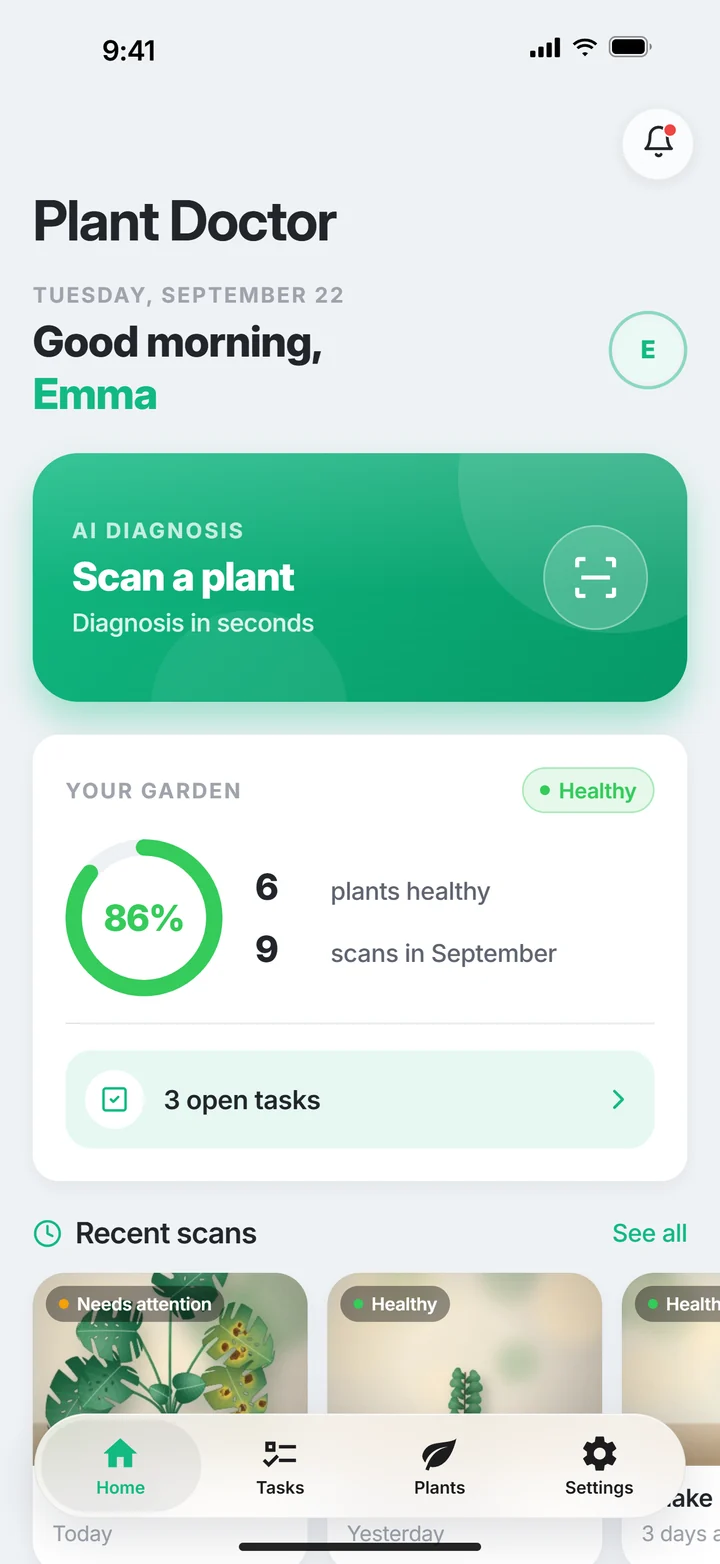
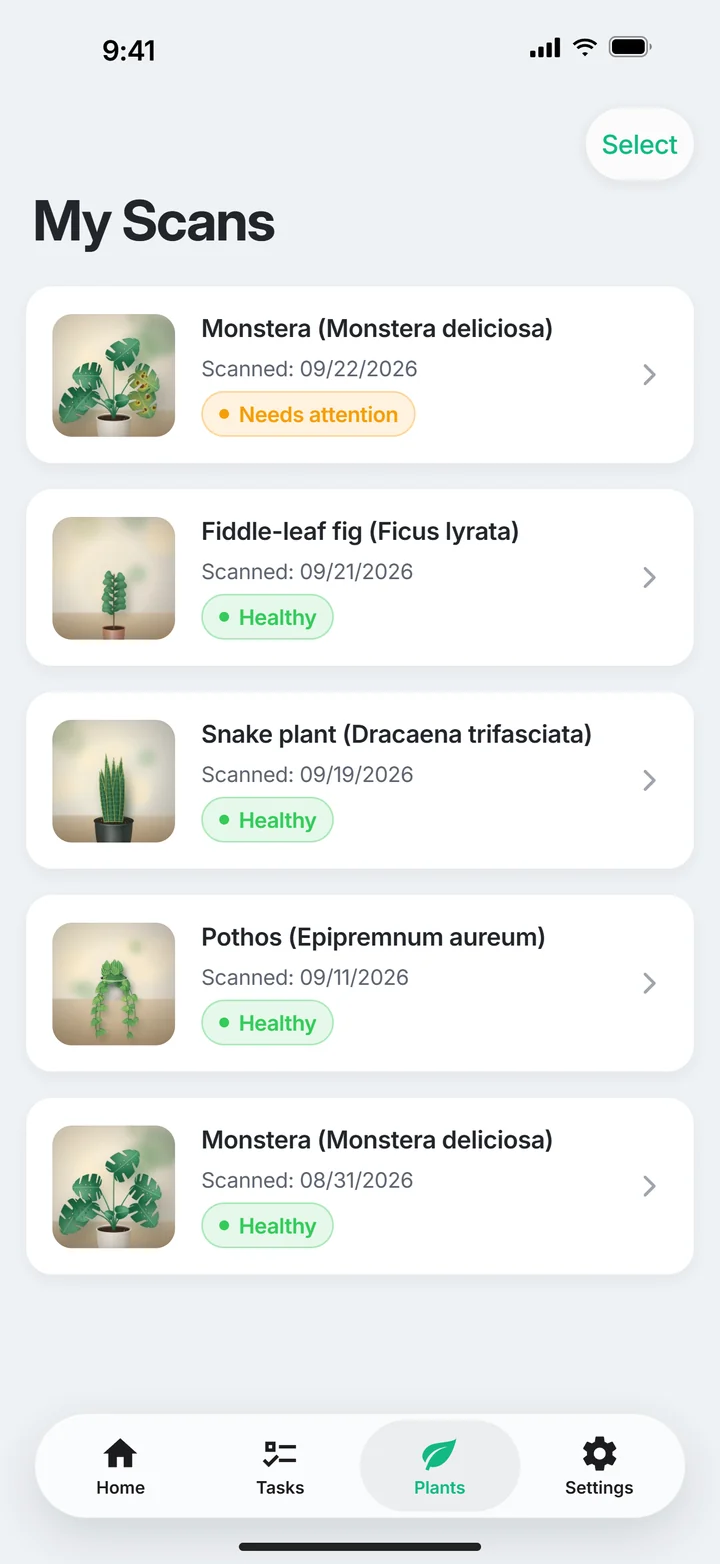
Open iPhone Settings → Notifications → PlantDoctor and enable Allow Notifications. Also check that the task is active in the app.
No. First check your plant and the moisture in its pot. A scheduled date does not replace observing its condition.
The limit depends on your plan. Free has limited capacity; Plus and Pro expand it. Check your current allowance in the app.